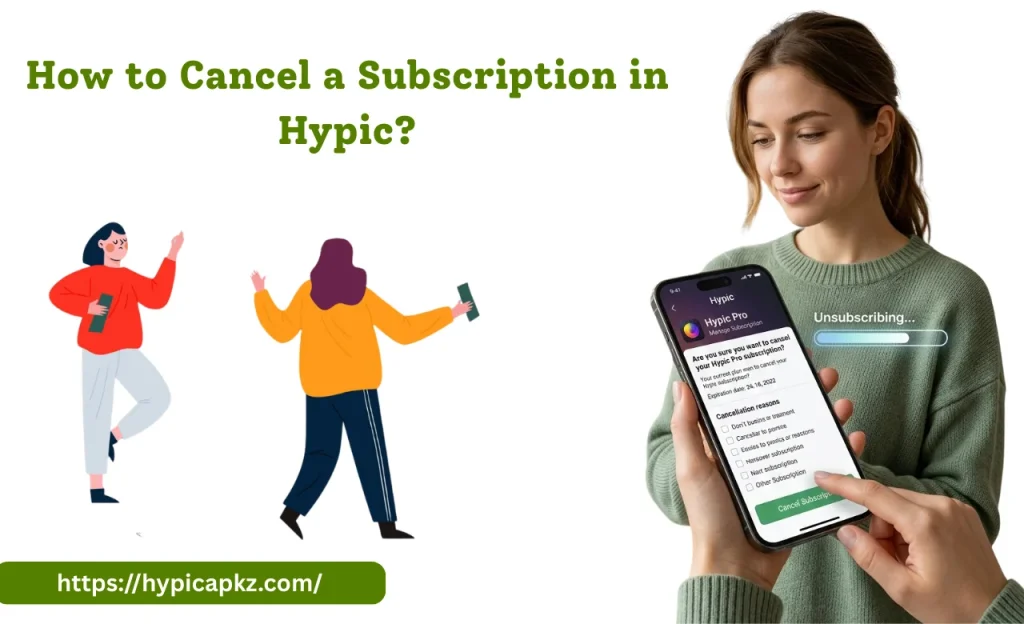
How to Cancel a Subscription in Hypic?
Hypic is a powerful AI editing app that lets users access a range of filters and effects through Hypic Pro and other subscription plans. The free version offers basic tools, while the premium features include AI Sky replacement, AI Prompt features, and AI outfit try-on.
Also check: Hypic for iOS
But if you decide to stop using these paid features, then you need to know how to cancel a subscription plan. In this article, I will guide you through how to cancel a subscription plan to avoid automatic renewal charges.
Where Subscriptions & Automatic Renewal are Governed?
If you subscribe to any plan in the Hypic app, automatic renewals are governed by the Hypic Terms of Service and the platform through which you subscribed (Apple Store or Google Play Store). These rules explain to users how billing works, payment charges, and how to cancel a subscription before the end of the billing period.
How to Cancel Hypic Subscription by Platform?
The step-by-step guide to cancelling a subscription plan is given below:
For Android
Also check: Hypic for PC
For iOS (iPhone, iPad, Mac)
Other Methods (Email, Website, PayPal, etc.)
Besides Android and iOS platforms, some users may purchase Hypic subscriptions through the website, email, or PayPal. So, cancelling a subscription plan is slightly difficult. Here is a step-by-step guide.
What Happens After You Cancel?
When you cancel your Hypi Pro subscription, you don’t lose access to the premium features immediately. You can use all premium features like AI Sky Replacement, AI Prompts, and AI outfit try-on until the end of your current billing period. After ending the billing perios you can’t use premium features. The content that you have created or edited remains safe within the app.
Refund Policy
Tips & Things to Watch Out For
How to Delete Account vs Cancel Subscription?
It is important to understand that deleting an account or cancelling a subscription are two different things. Cancelling a subscription means you want to use the paid feature next time. While deleting an account means you are permanently deleting your account, or you don’t want to use the Hypic APK, after deleting the account, all of your created images or projects will be permanently deleted.
How to Delete Your Account?
- Open the Hypic APK on your device.
- Go to the settings and tap on delete account.
- Now the account is permanently deleted.
How to avoid paying?
If you don’t want to pay and want to use all the premium features ( AI SKY Replacement, AP Prompt feature, AI outfit try on) for free with no ads or watermark, then use the modded version of Hypic APK. Here is a full detail of the modded version of Hypic Mod APK.
Also check: Hypic vs Lightroom
Final Thoughts
Cancelling a subscription is not difficult once you know the correct steps for your platform. Remember, cancellation only stops future payments. So if you want to cancel a subscription, then cancel it before a renewal date or keep the confirmation email or screenshot as evidence.